Image Enhancer
Upscale, sharpen and improve image quality.
Amazing Results
4K Upscaling
Increase image resolution by 400% without losing quality. Perfect for printing large posters or displaying on high-res screens.
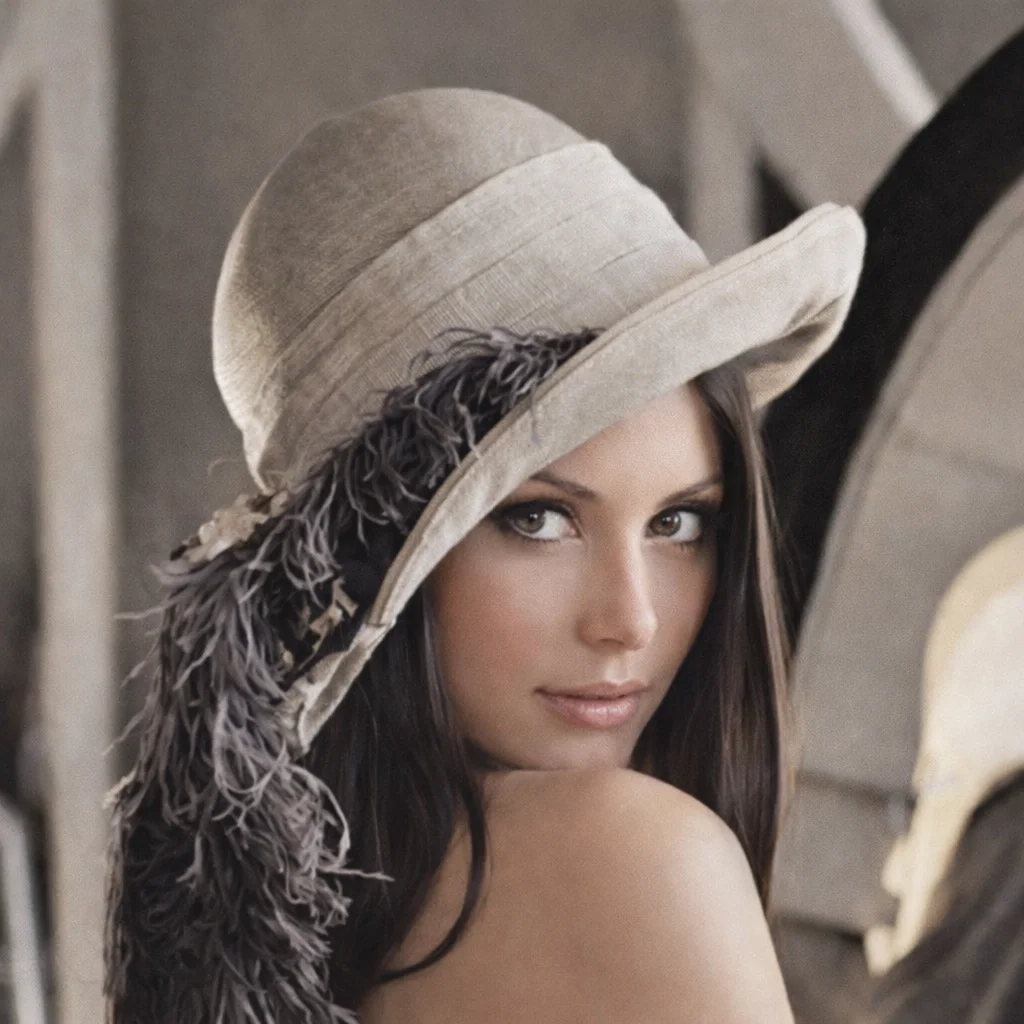
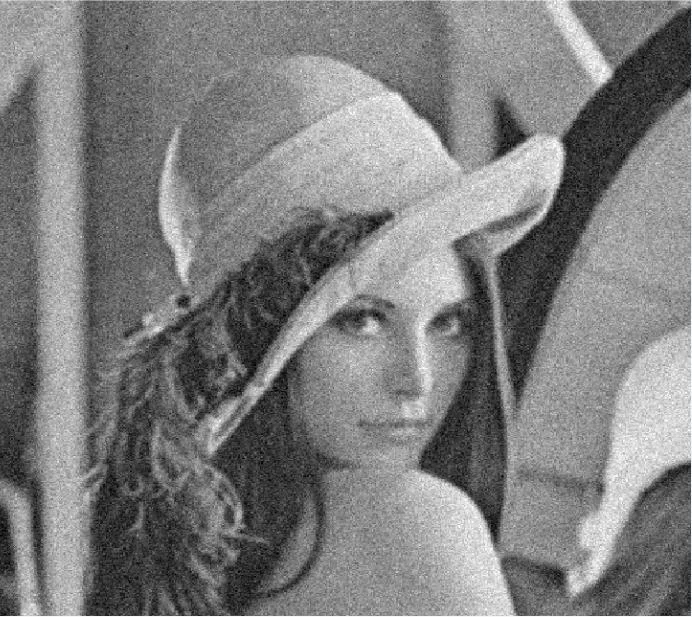
Deblur & Sharpen
Fix motion blur or out-of-focus shots. Our AI reconstructs sharp edges and fine textures to rescue ruined photos.
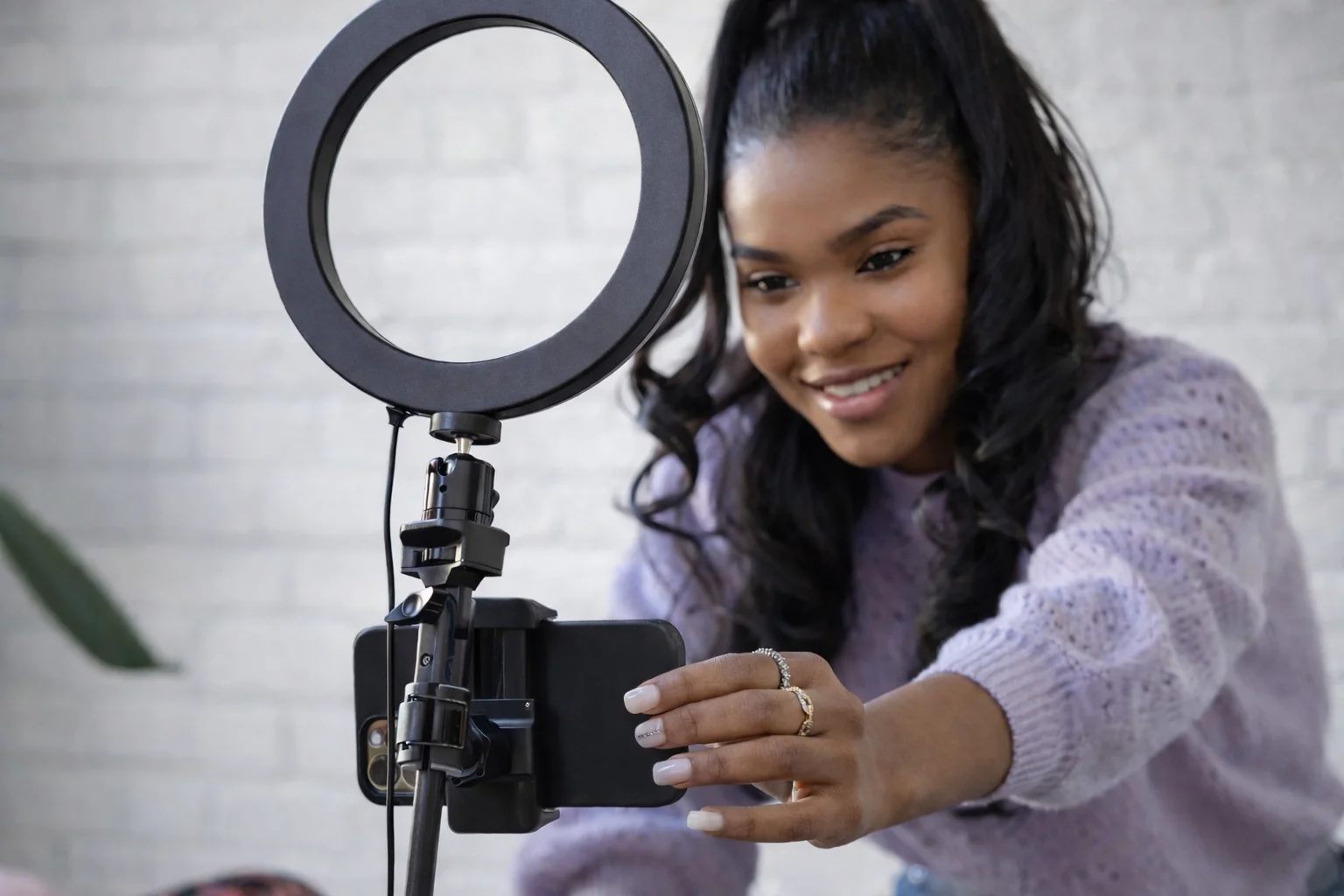
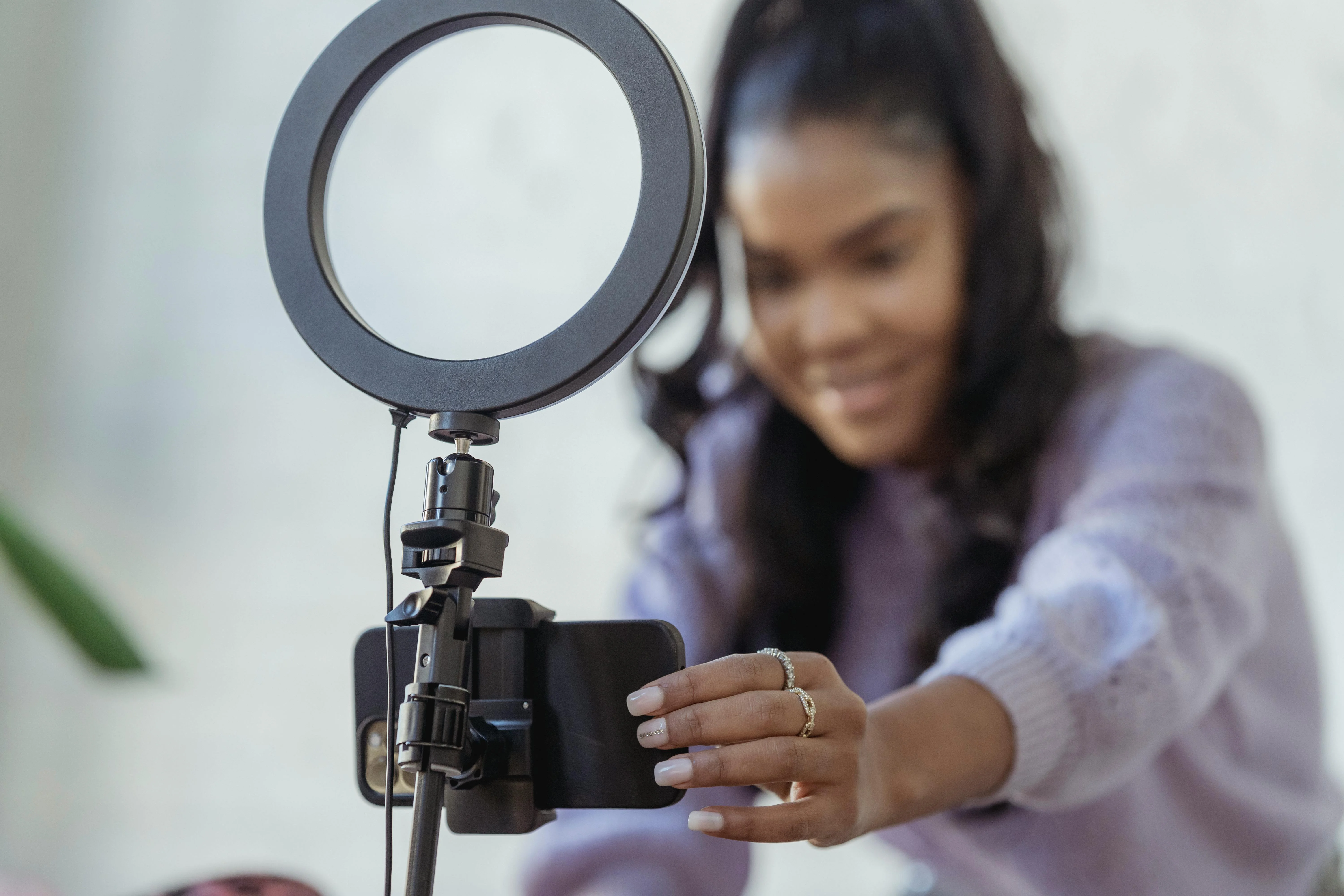
Noise Reduction
Clean up grainy low-light photos. Remove digital noise while preserving important details and natural texture.
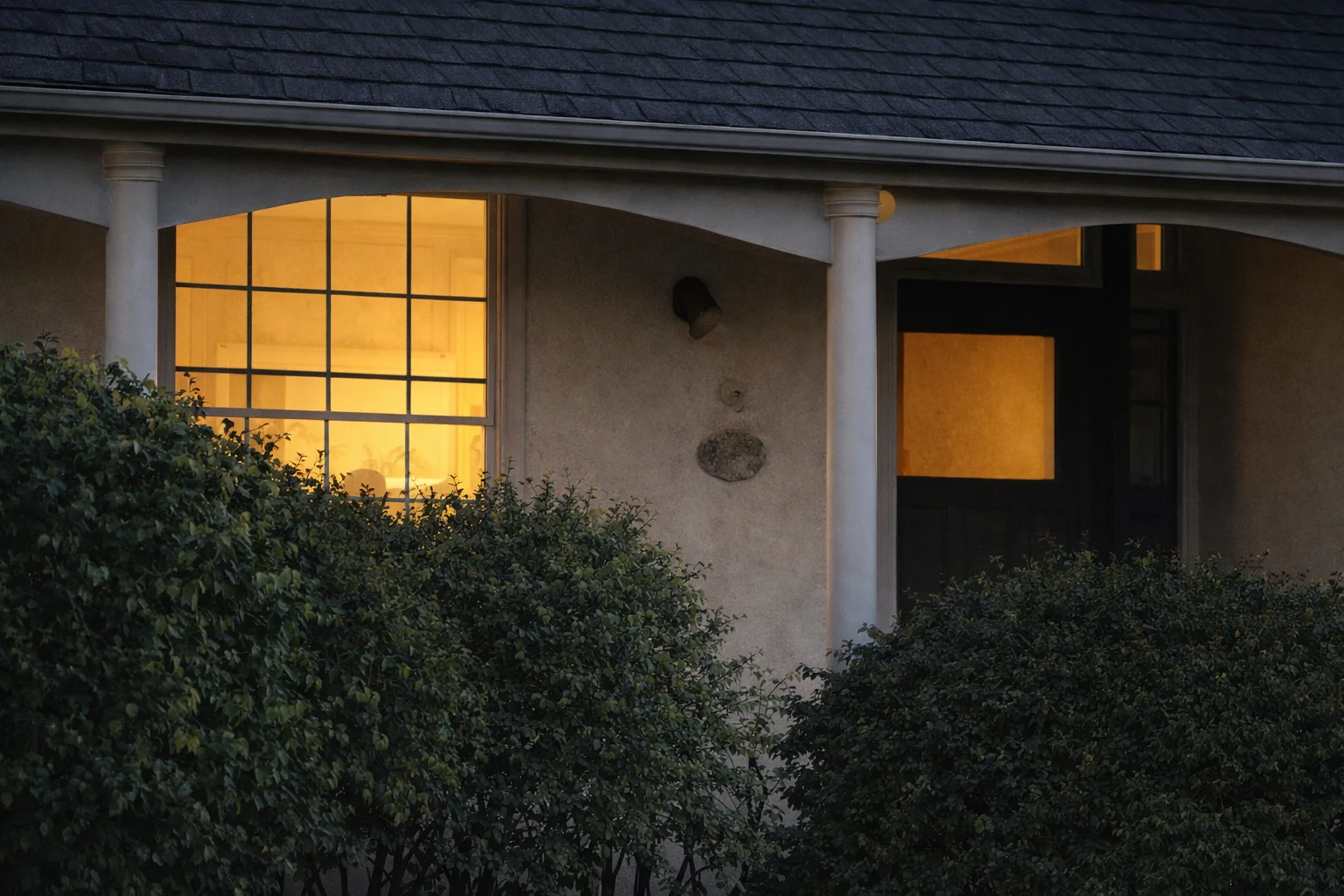
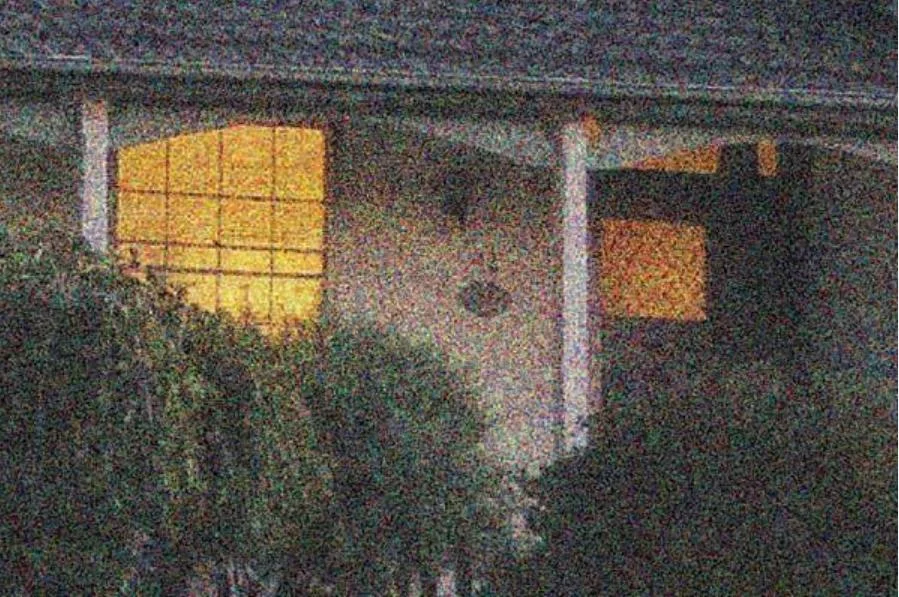
Color & Contrast Correction
Automatically balance exposure, correct colors, and enhance contrast to make dull photos pop with vibrancy.
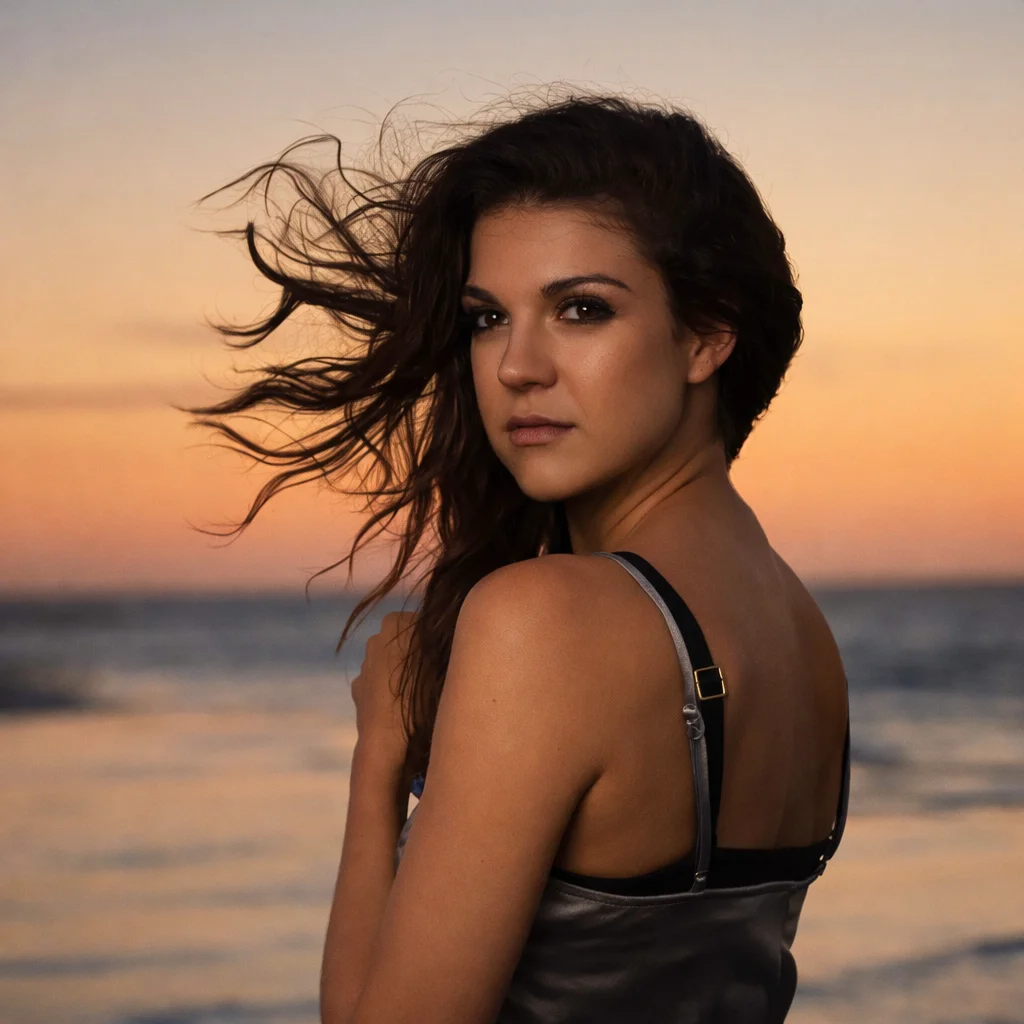
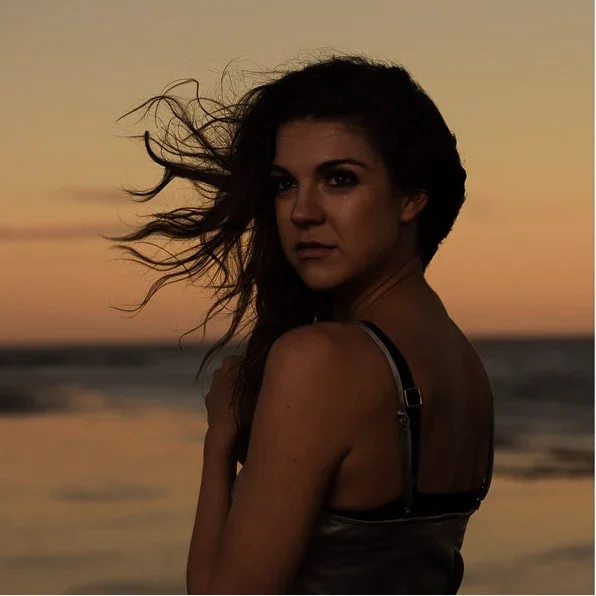
What is Image Enhancer?
Transform low-quality, blurry, or pixelated images into stunning high-definition masterpieces with our AI Image Enhancer. Using advanced deep learning algorithms, it intelligently upscales resolution (up to 4K), removes digital noise, fixes blur, and recovers lost details. Whether it's for printing, web display, or personal collections, make your photos look crisp and professional in seconds.
How to use Image Enhancer
Upload Photo
Select any JPG, PNG, or WebP image you want to enhance. We accept files up to 10MB.
Edit the Prompt
Update the preset prompt with the enhancement needs you want, such as upscale, denoise, deblur, sharpen, or 4K quality.
AI Processing
Our GPU-powered AI analyzes millions of pixels to reconstruct and refine the image details instantly.
Download HD
Preview the crystal-clear result and download your enhanced image in high resolution.