
Task
Browse by task, by real-world use case, or by a recommended starting point. This page is built to reduce guesswork and route people into the right workflow without repeating the full styles library.
Start with the job you need to complete and jump directly into the matching AI tool.
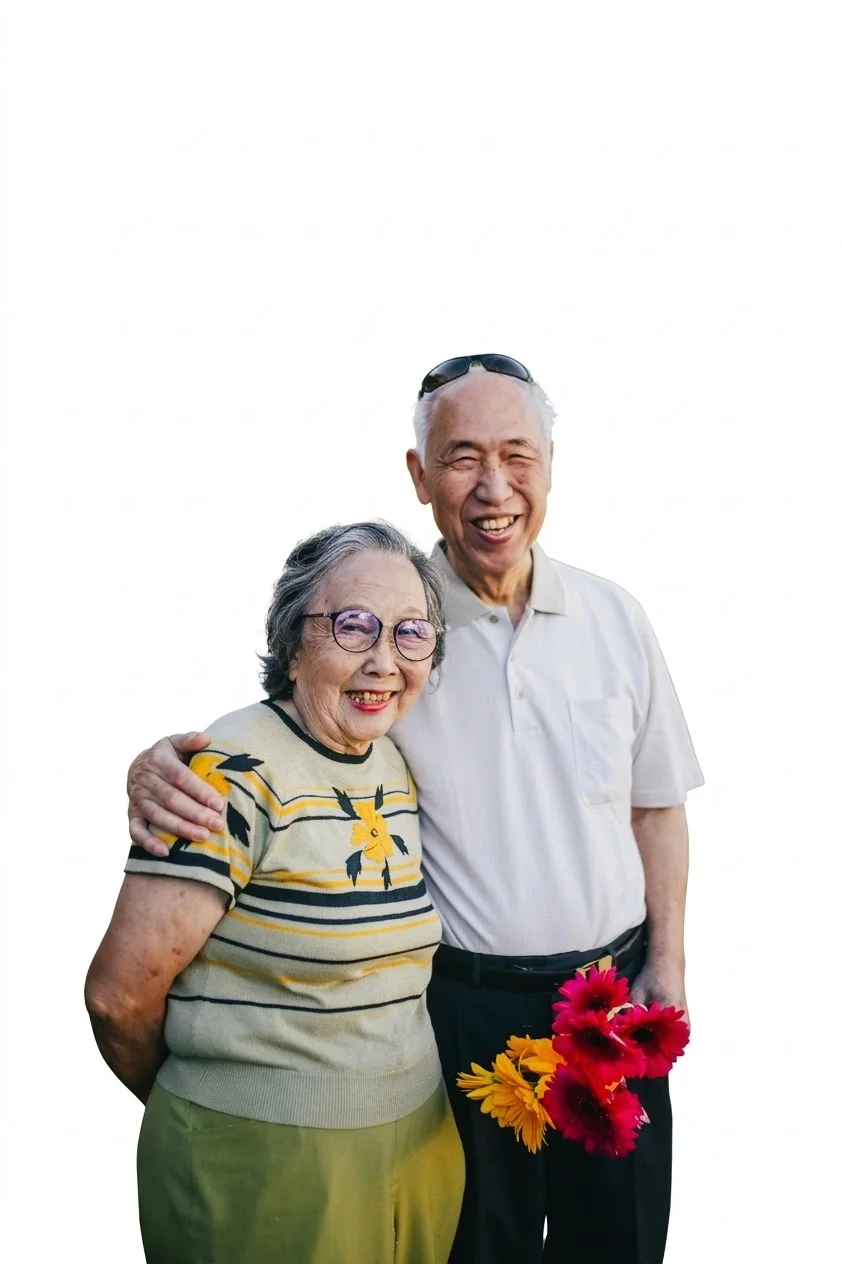
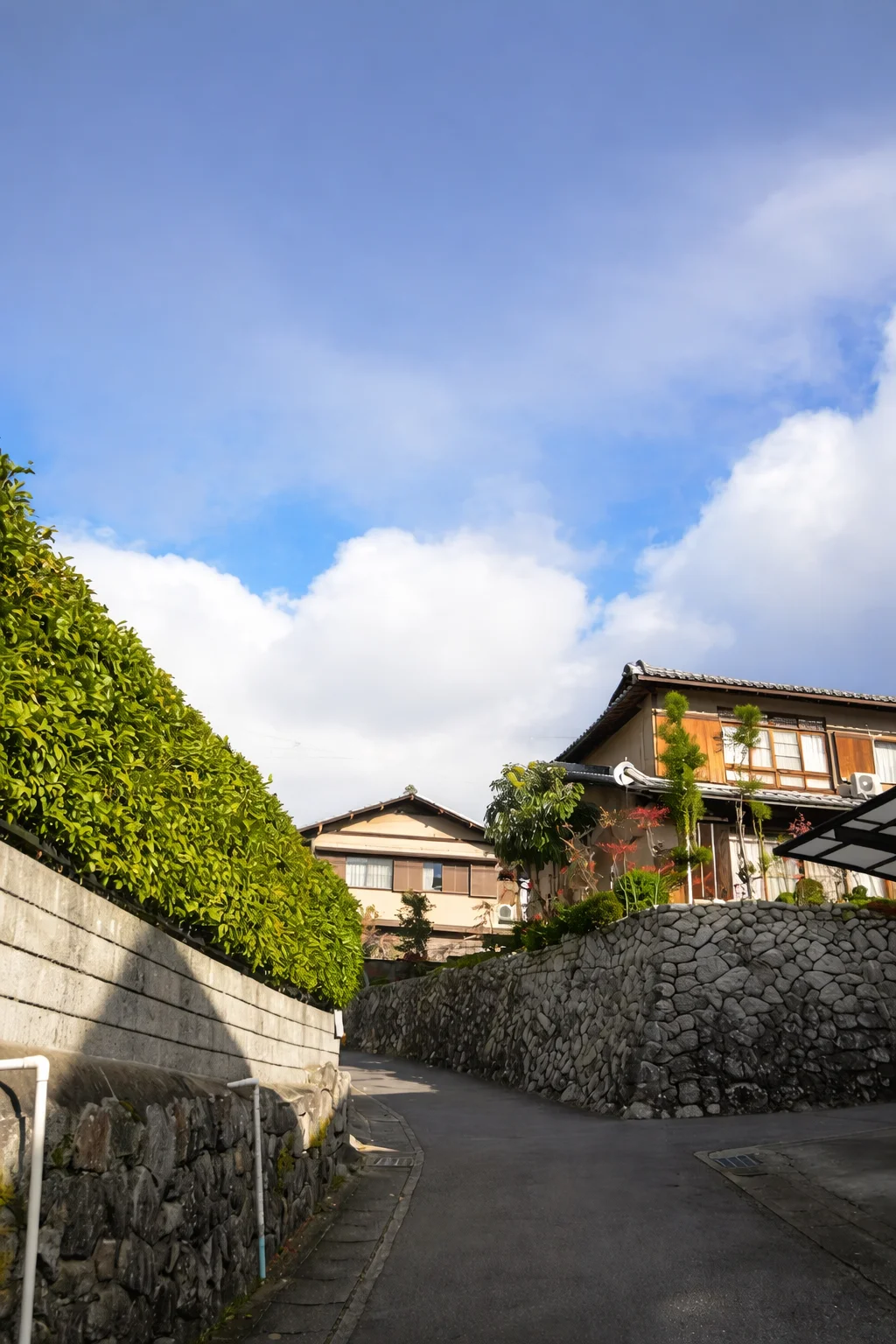

Start from a concrete scenario and branch into the best tool or workflow for that outcome.

Create clean, professional headshots for resumes and social profiles.
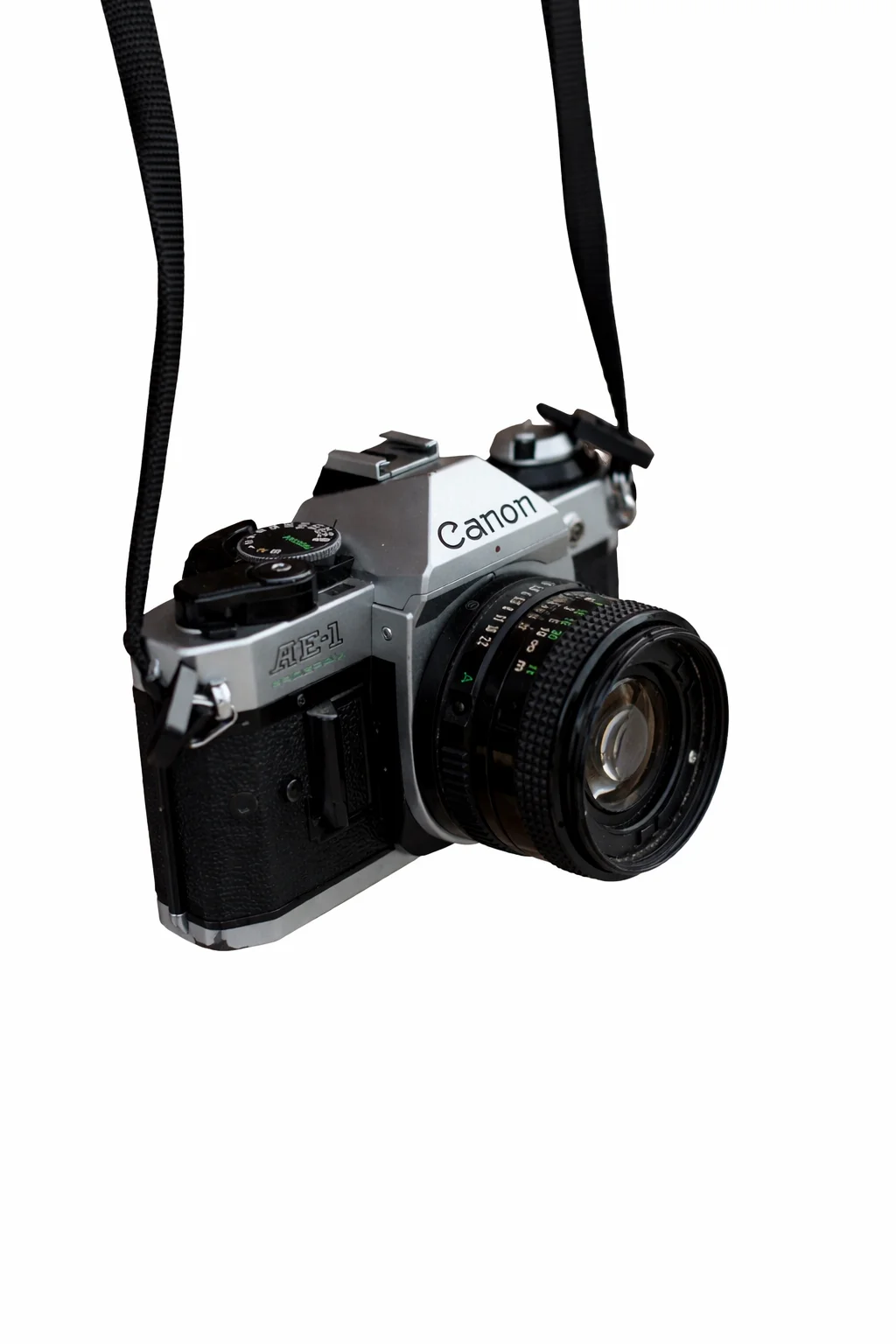
Make studio-style cutouts for catalogs, marketplaces, and product pages.
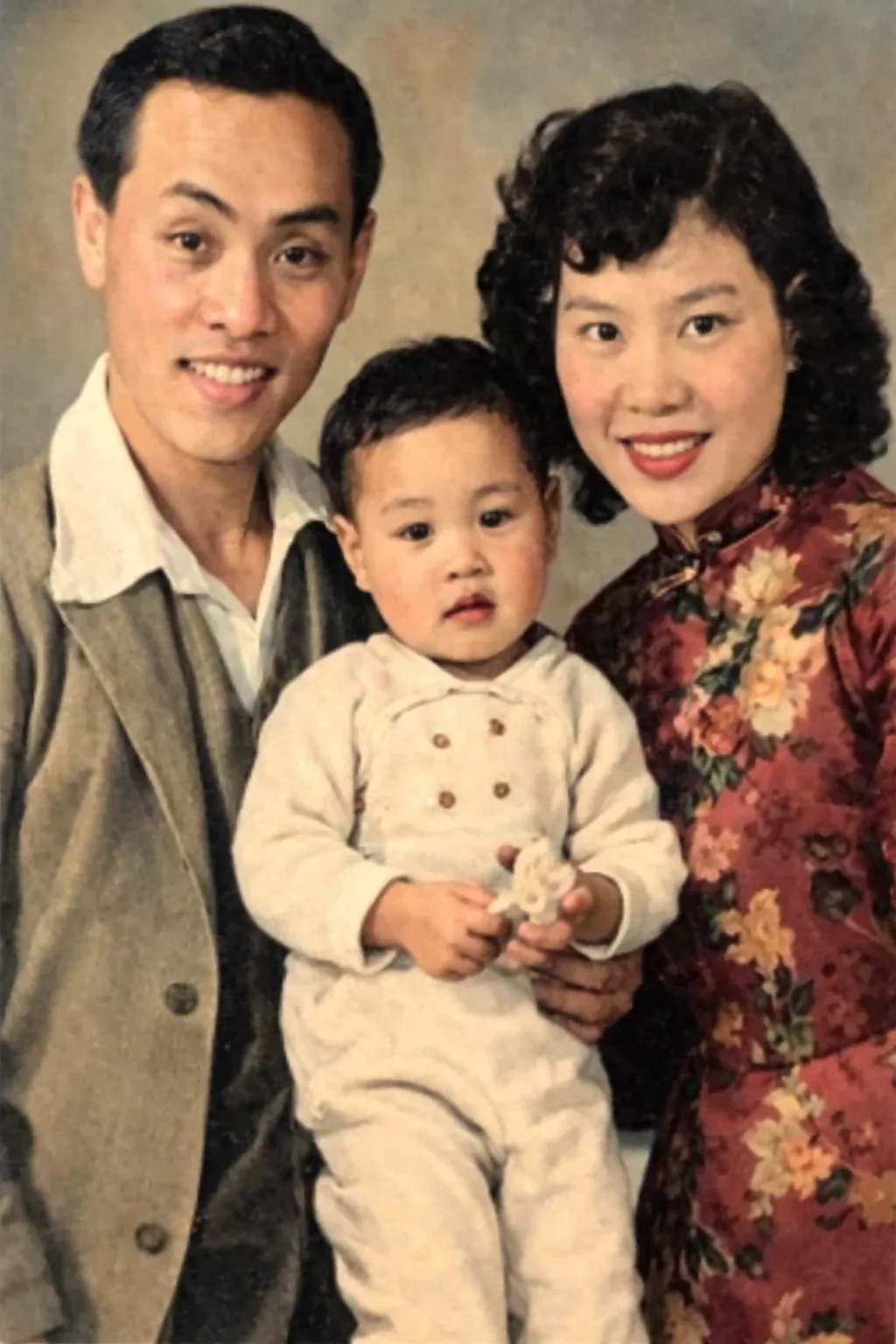
Repair damaged prints and faded scans so old memories look usable again.
Use these guided entry points when you know the result you want but not the best tool or style to begin with.
Start with a clean business portrait, then refine the look for resumes and profiles.

Begin with the most recognizable anime-inspired look for portraits and character art.
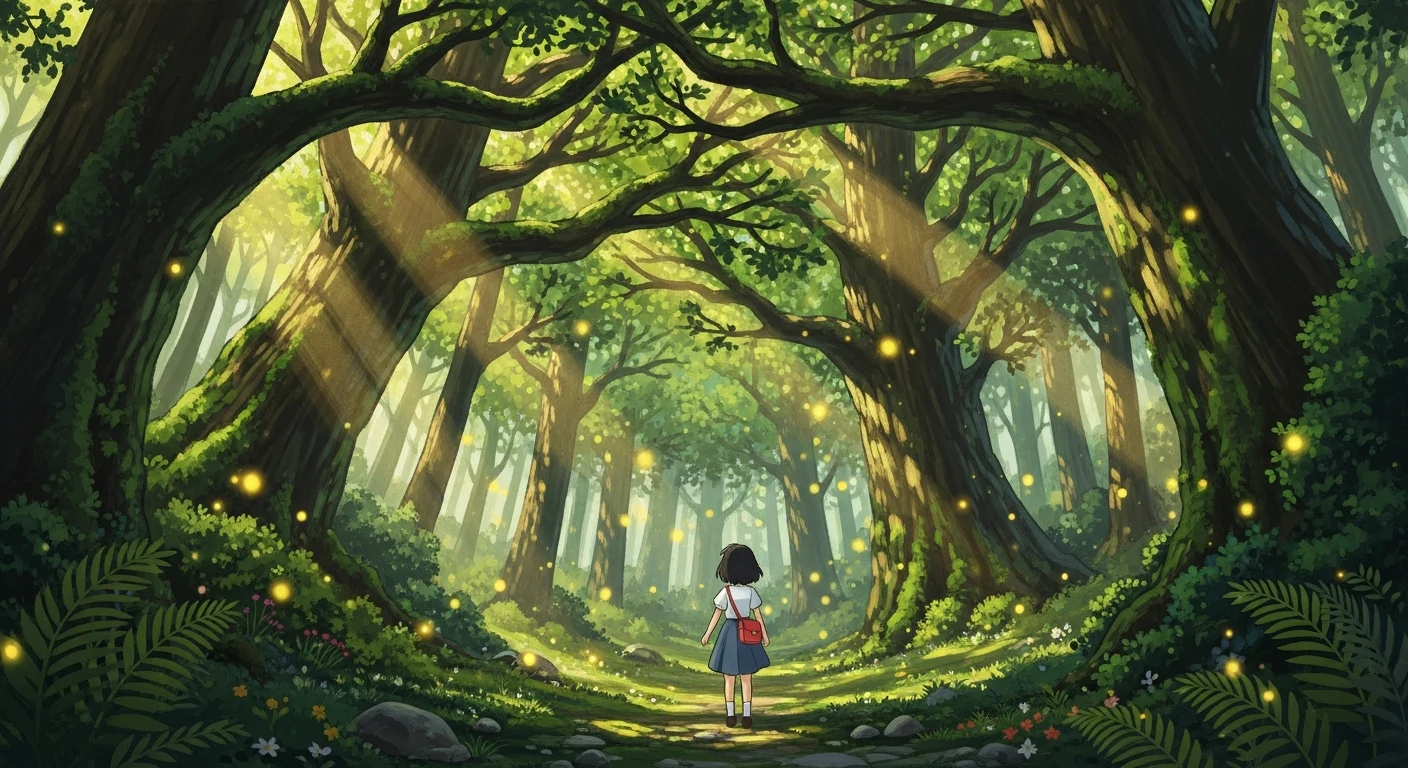
Choose a warm, whimsical style for fantasy illustrations, scenic worlds, and cozy moments.
Remove clutter first, then turn raw product photos into polished store-ready images.
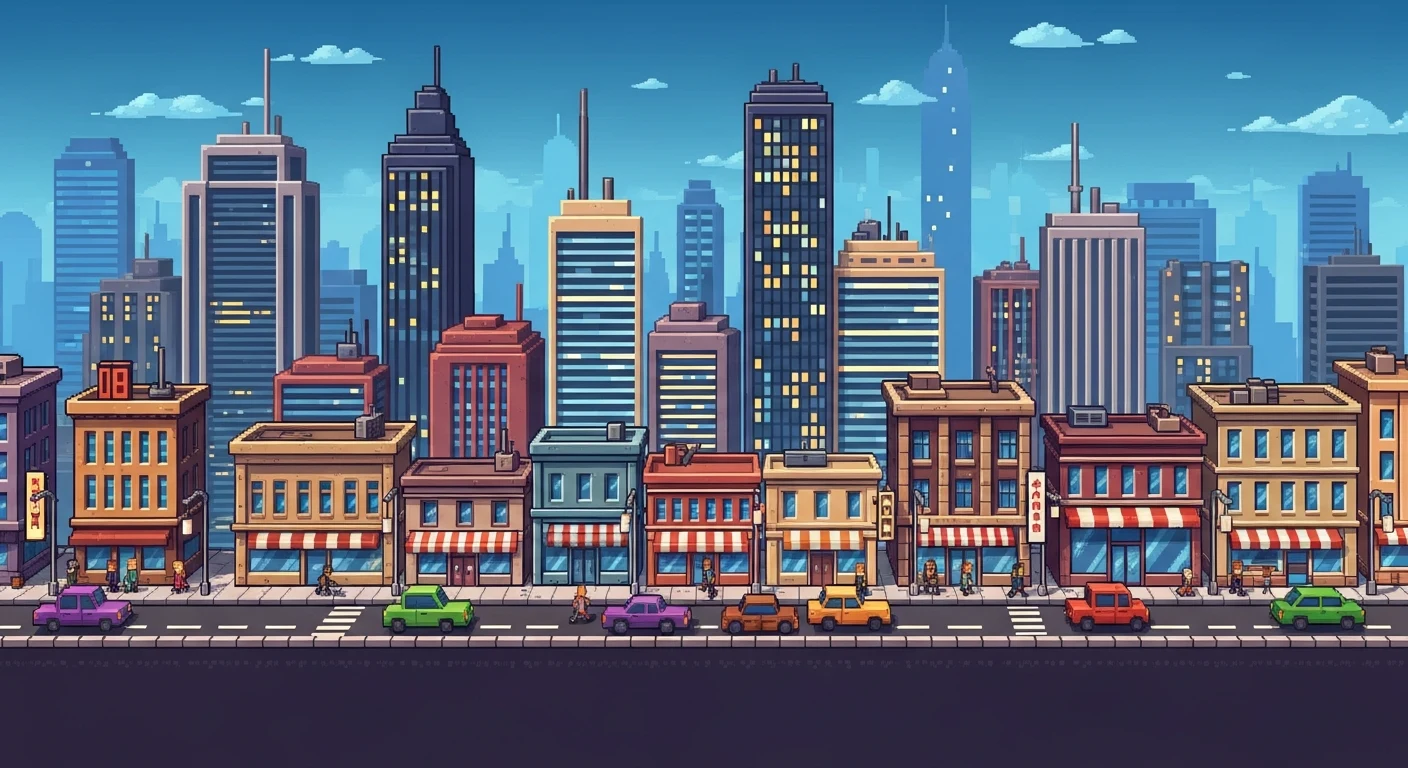
Use pixel aesthetics for icons, sprites, and nostalgic game-ready scenes.
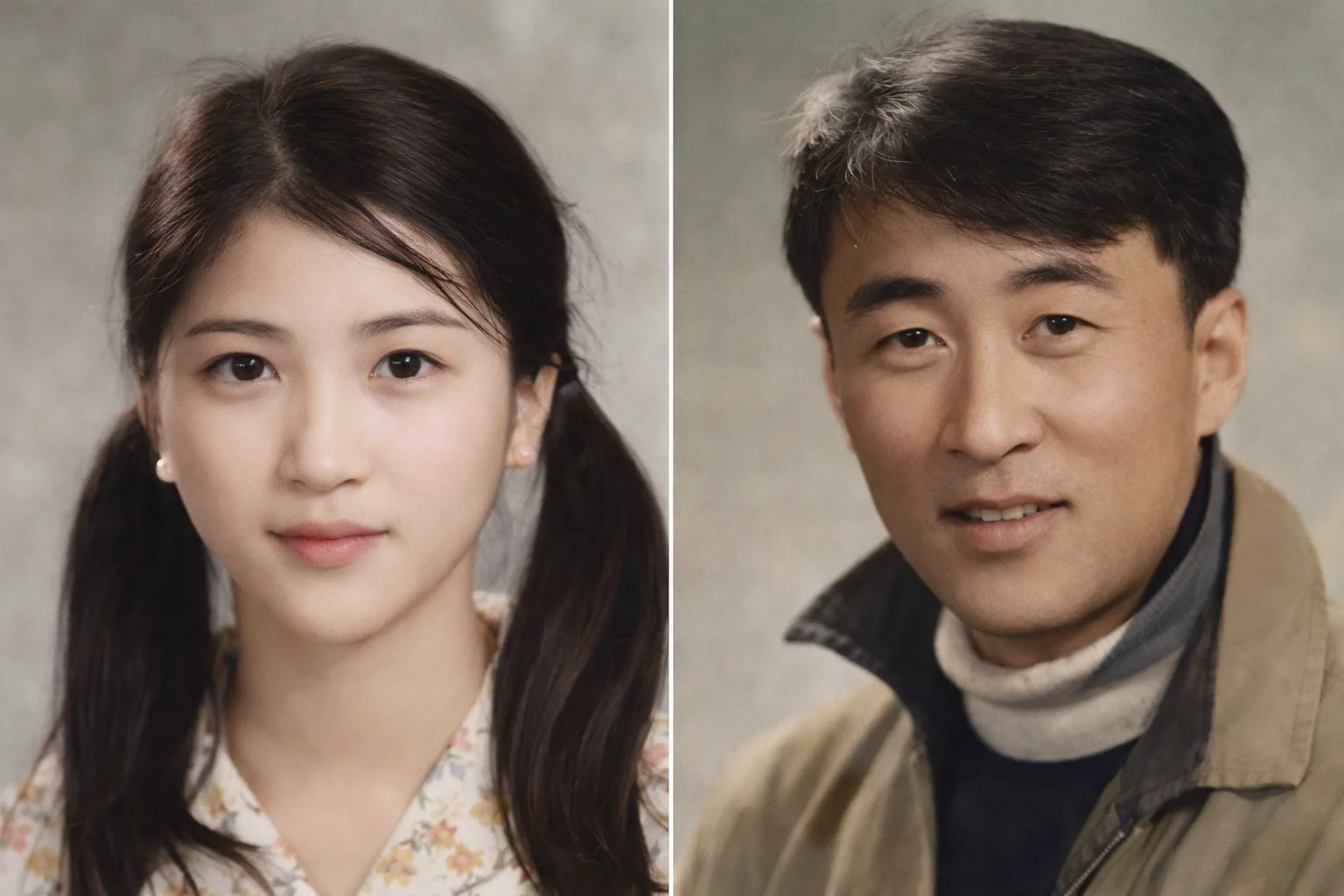
Restore old memories first, then save a cleaner version for sharing and archiving.
Need More Styles?
Inspiration is optimized for discovery and decision-making. When you want the full catalog of visual effects, jump over to the dedicated styles library.