Background Remover
Remove or replace photo backgrounds.
Amazing Results
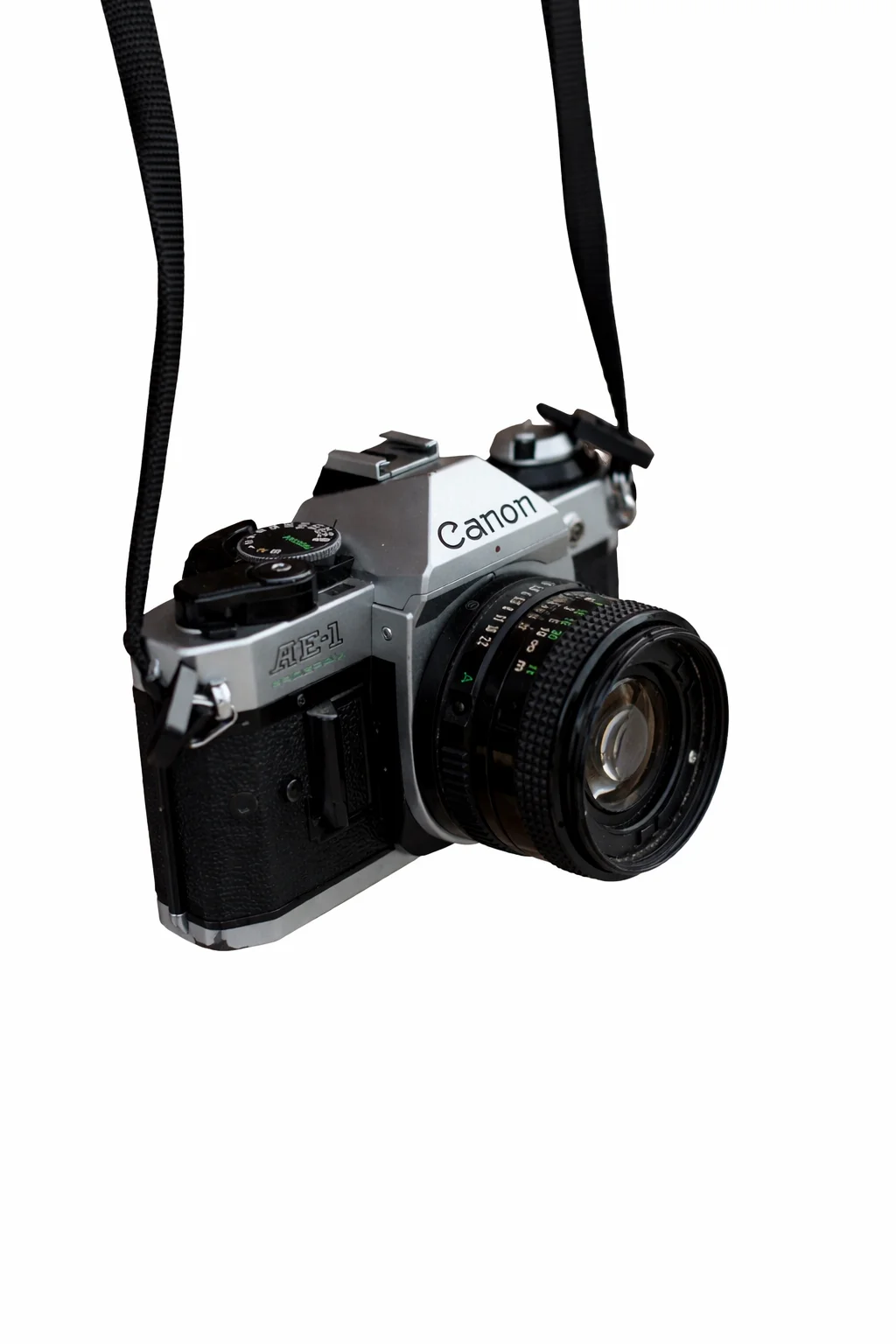
E-commerce Product Photography
Prepare product images for Amazon or Shopify by removing clutter and placing items on a clean, white background.
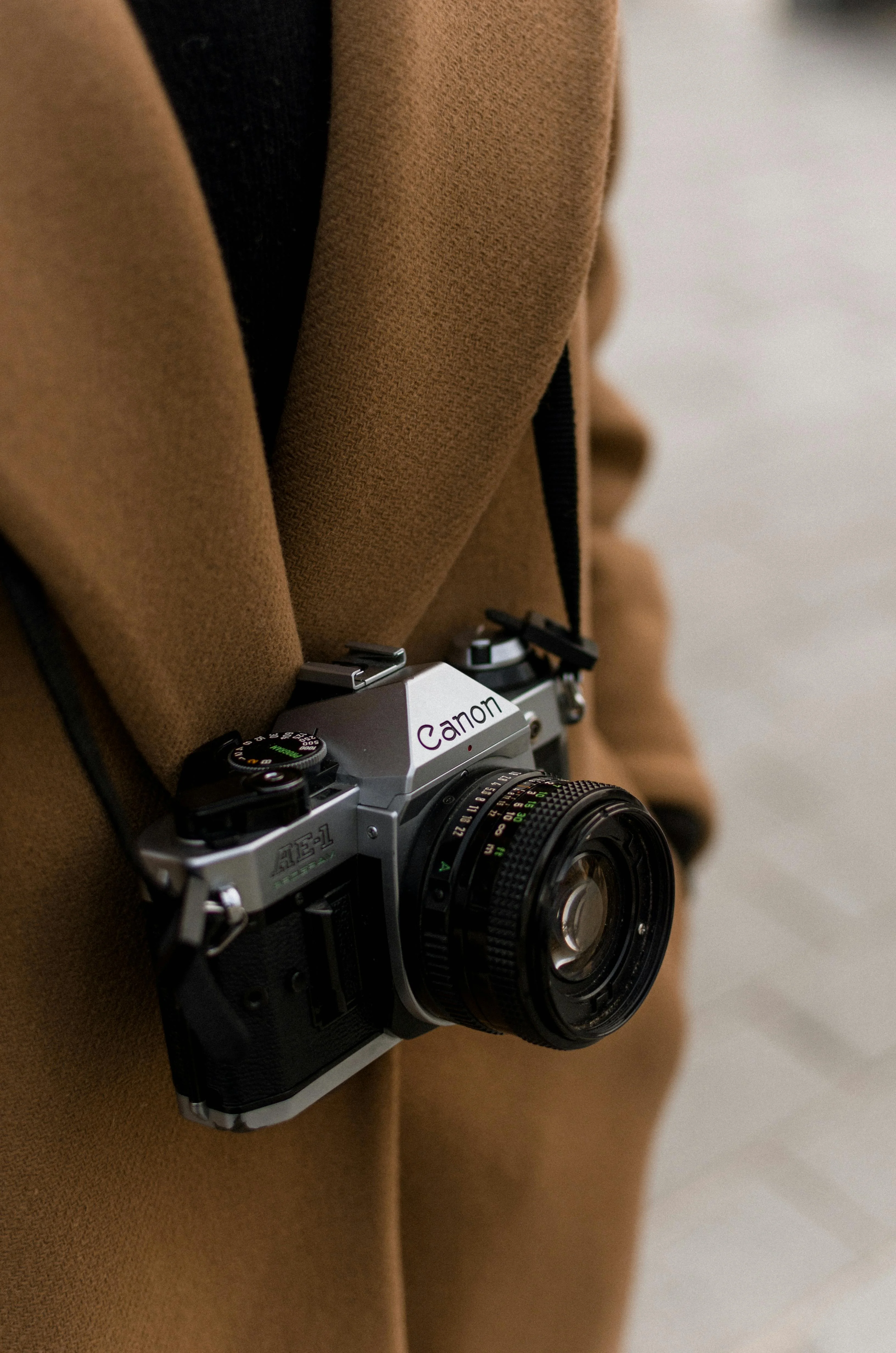
Portrait Background Removal
Isolate people from complex backgrounds for posters, thumbnails, or creative composites.


Car Sales Listings
Create professional car listings by removing garage or street backgrounds and replacing them with a neutral studio floor.


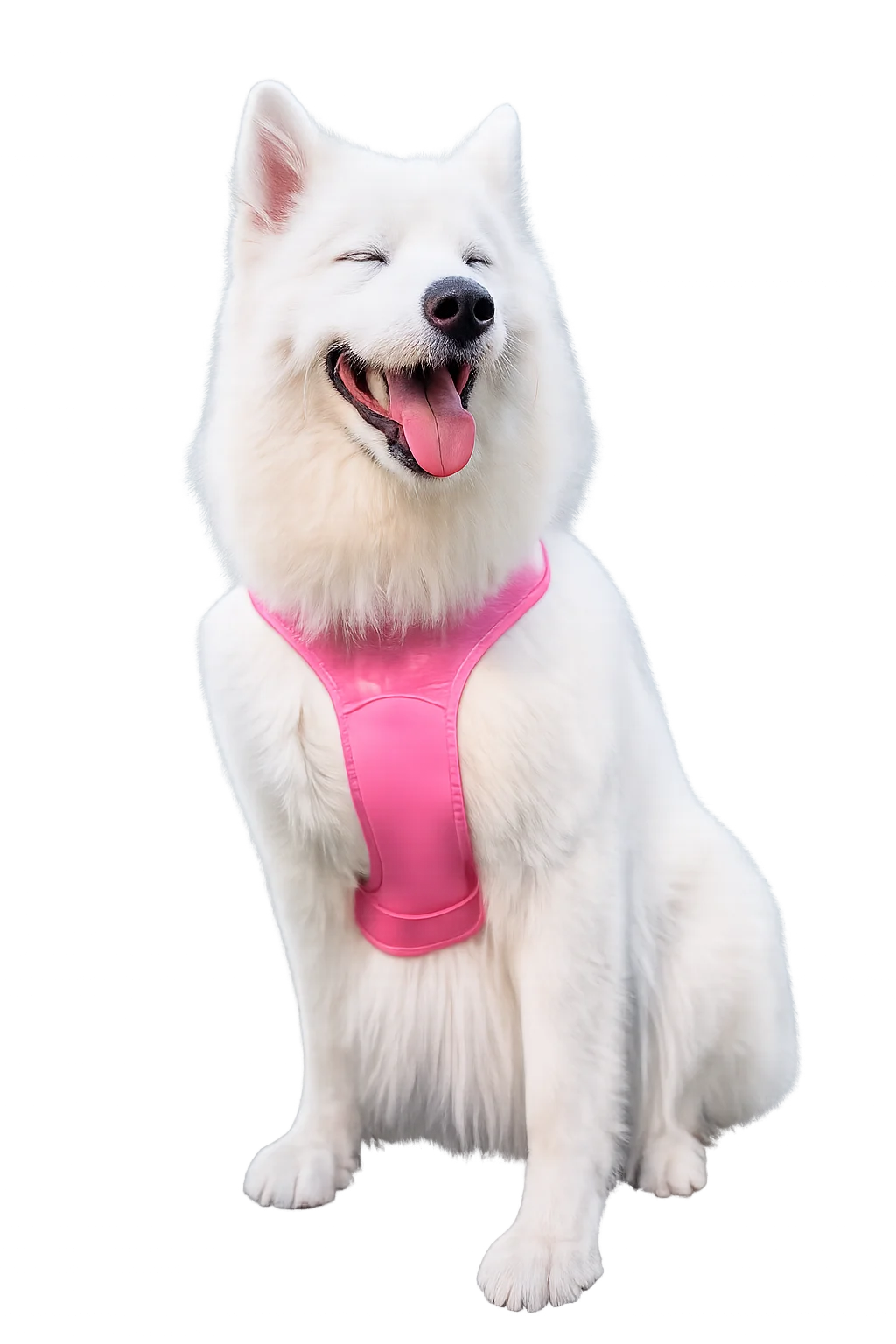
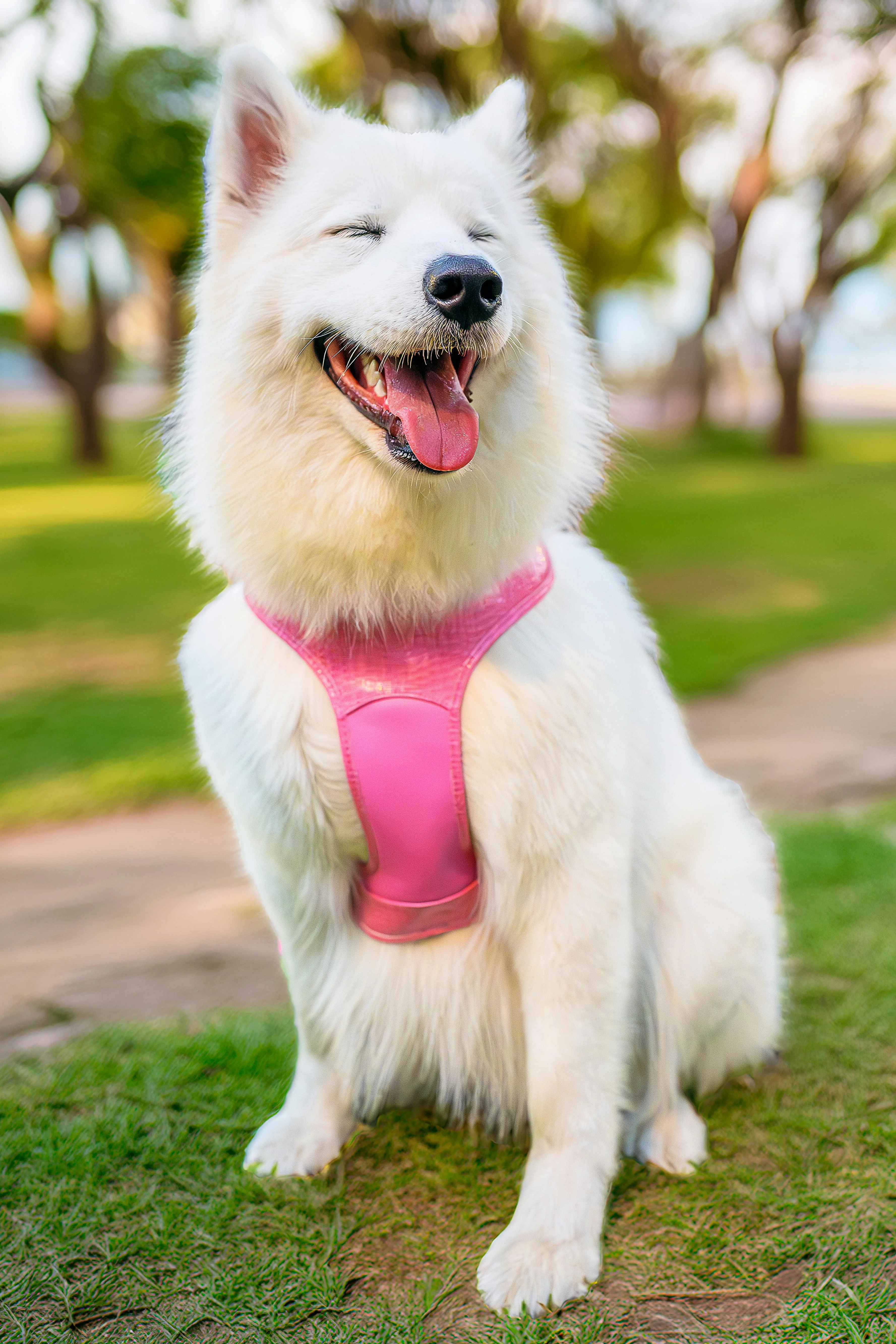
Pet Photography
Turn cute pet snaps into stickers or framed art by removing the background hair by hair with precision.
What is Background Remover?
Instantly remove backgrounds from images with our advanced AI Background Remover. Whether you're an e-commerce seller, a marketer, or a designer, this tool helps you isolate subjects with incredible precision—handling complex edges like hair and fur with ease. Save time on manual editing and get transparent backgrounds in one click.
How to use Background Remover
Upload Image
Drag and drop your image (JPG, PNG, WebP) into the upload area.
Edit (Optional)
Update the preset prompt to describe the background change, cleanup, or replacement you want.
Automatic Removal
The AI instantly identifies the subject and removes the background within seconds.
Download
Download your image as a PNG with transparency or as a JPG with a new background.