Sketch Artist
Convert photos into beautiful pencil sketches
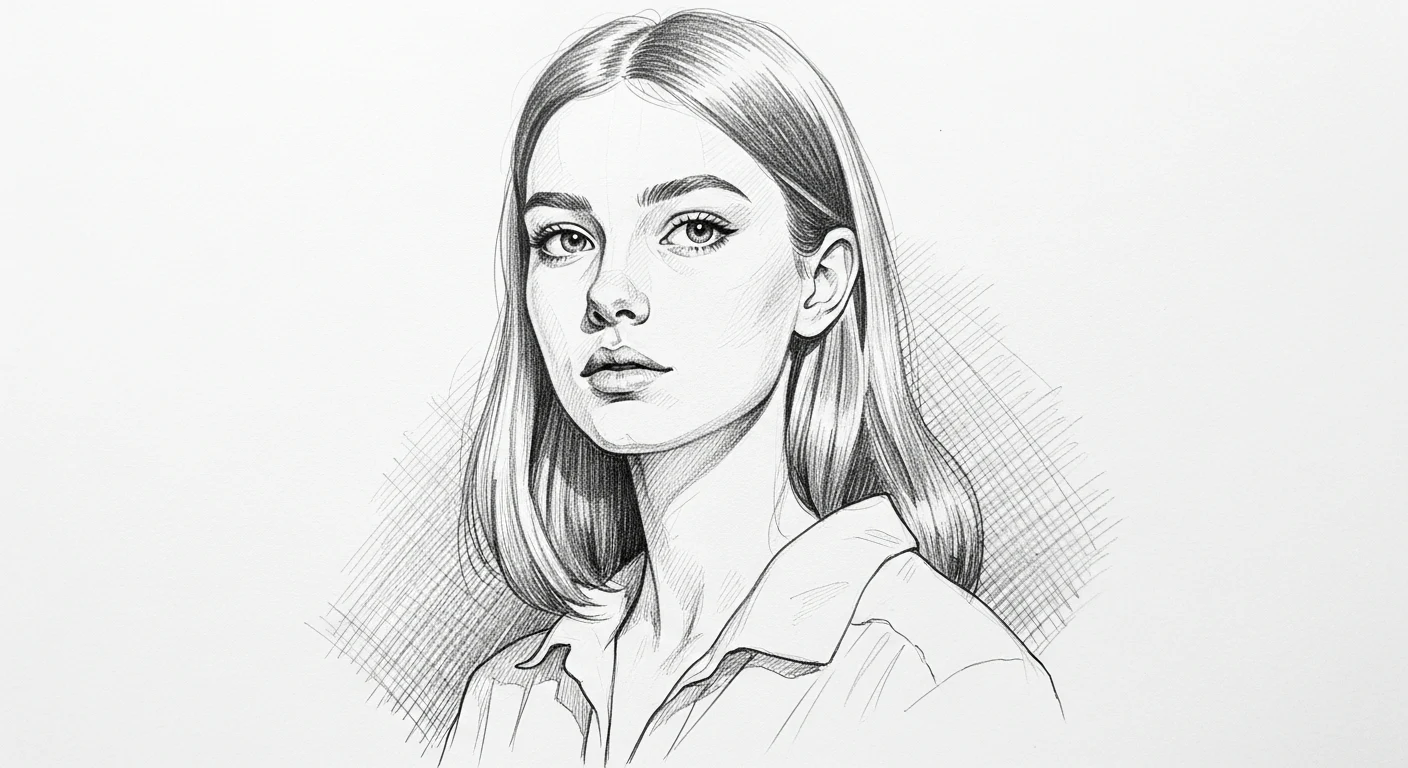
Visual Reference
Standard Sketch Artist Aesthetic
Create Your Own
Start from the reference prompt, switch to another compatible model if you want, and shape the output with your own ratio and variations.
About the Style
Sketch gives AI images a hand-drawn look with pencil texture, loose shading, and study-like linework. It works especially well for portraits, concept drafts, and artistic scenes where you want the feel of drawing in progress rather than fully rendered paint. Use it when you want something expressive, familiar, and rooted in traditional illustration practice.
Technical Info
AI Model
Imagen 4
Output Res
1024 x 1024 px
Aspect Ratio
1:1
Speed
~5 Seconds
Prompt Laboratory
The core instructions that power this visual style
More Painting & Illustration Styles
Similar prompt directions and neighboring looks you can compare before generating.
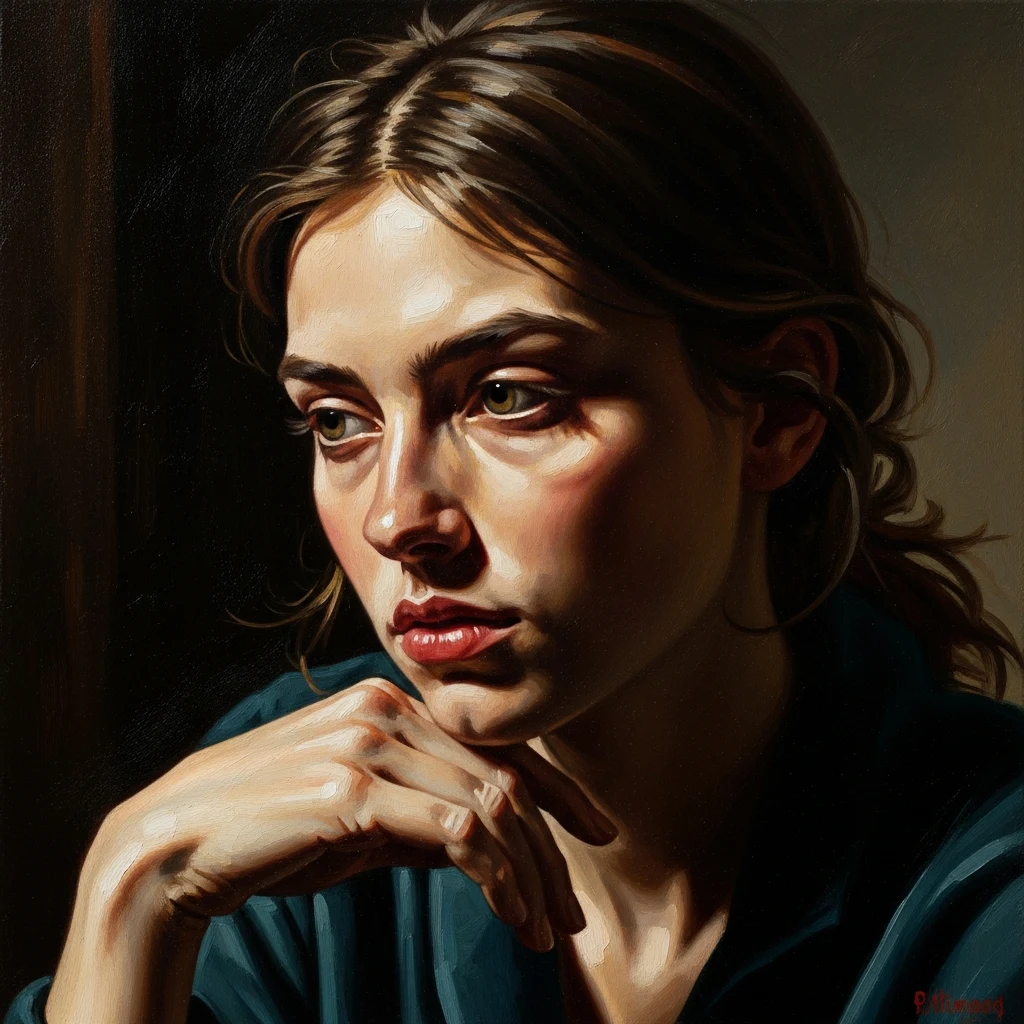
Oil Painting
Painterly brushwork, rich canvas texture, and fine-art lighting for portraits, still lifes, and landscapes.
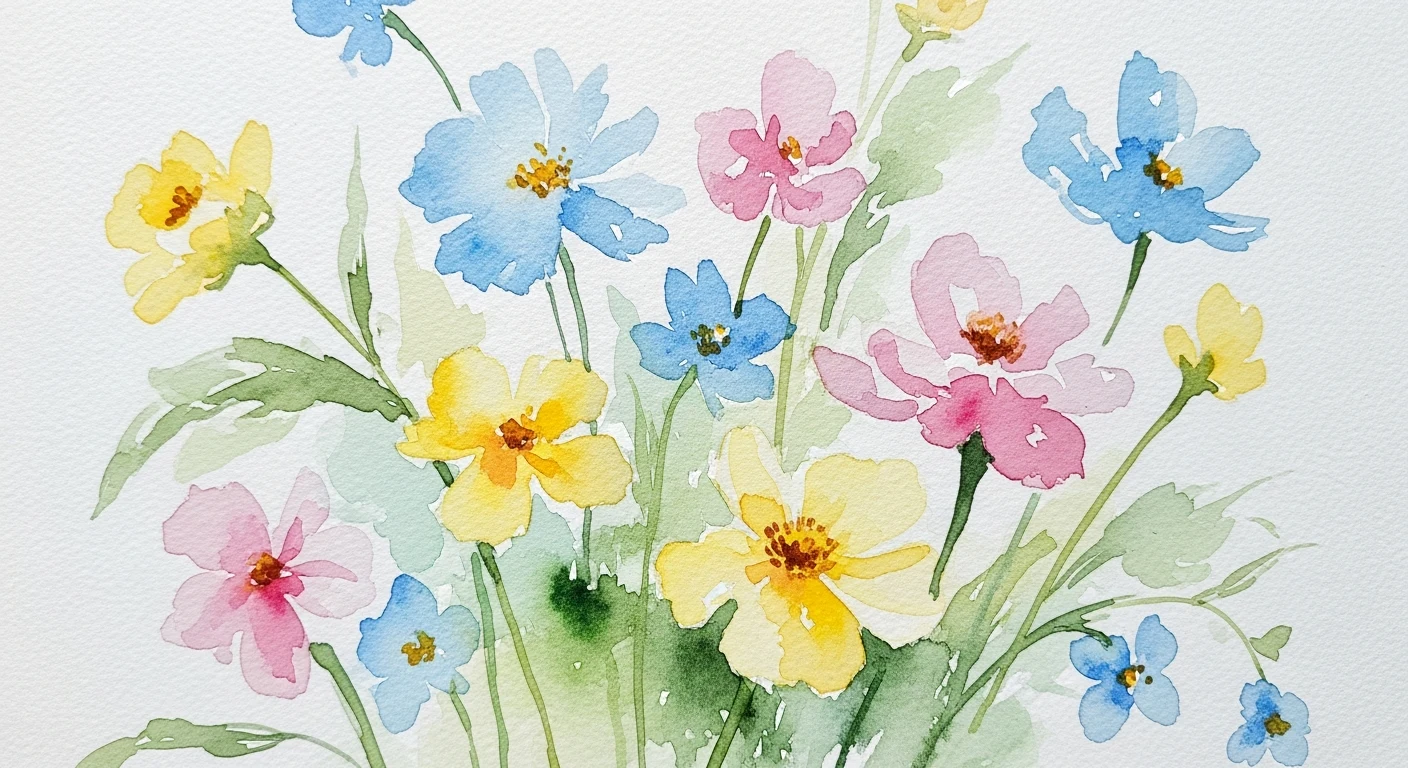
Watercolor
Soft translucent paint washes with blooming pigment, airy edges, and expressive artistic flow.
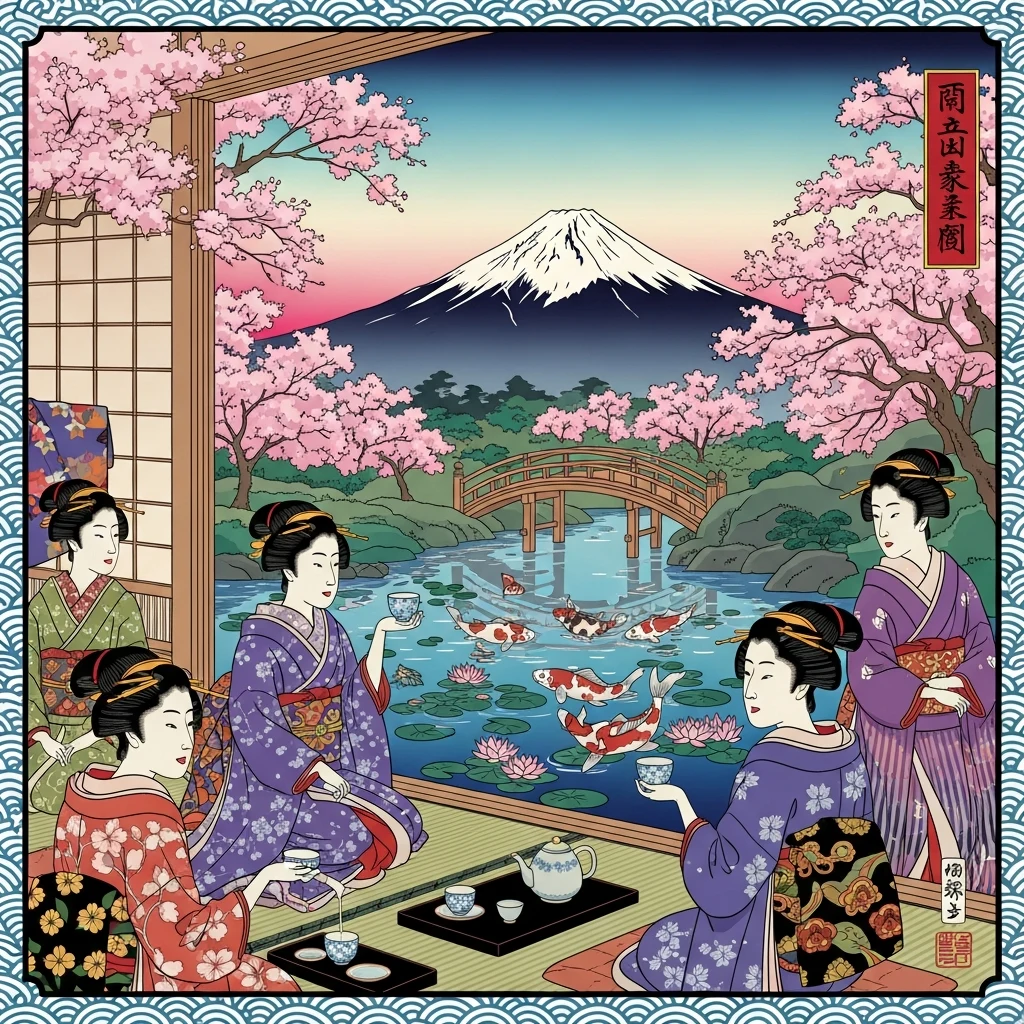
Ukiyo-e
Traditional woodblock print look with flat color planes, elegant linework, and classic Japanese composition.
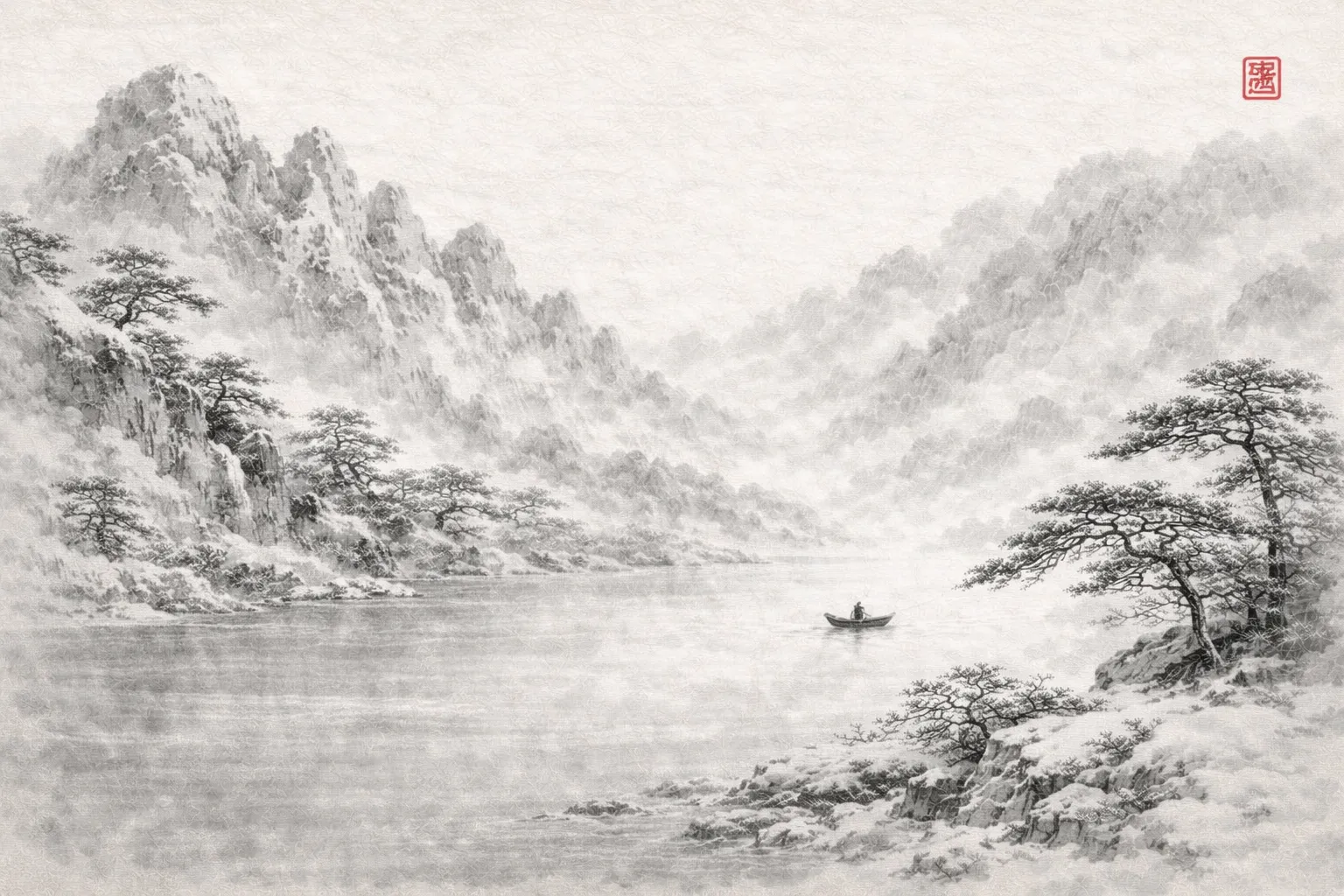
Ink Wash Painting
Create traditional Chinese ink paintings
Browse More Families
Jump to another visual direction if you want a different mood, medium, or creative use case.
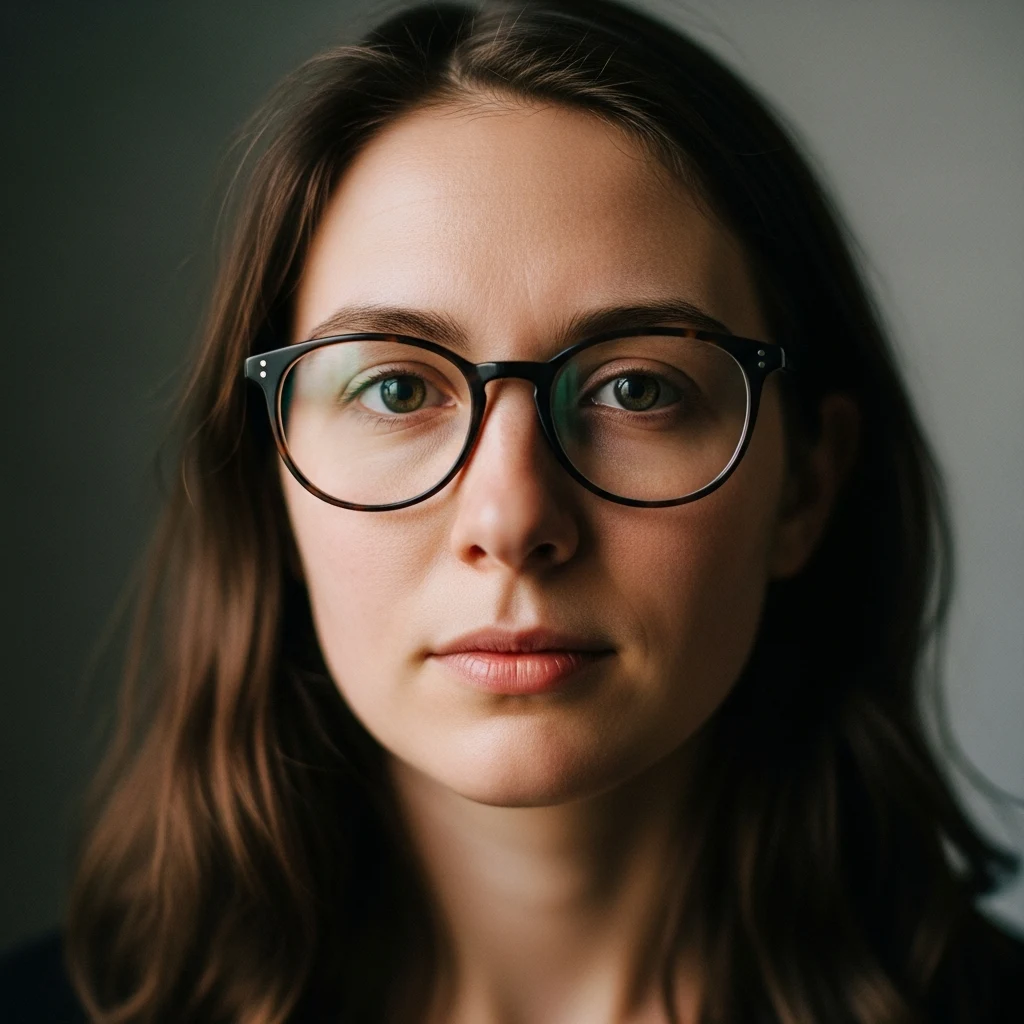
Photography & Realistic Styles
Cinematic, black-and-white, and HDR photography styles for realistic AI portraits, scenes, and photo effects.
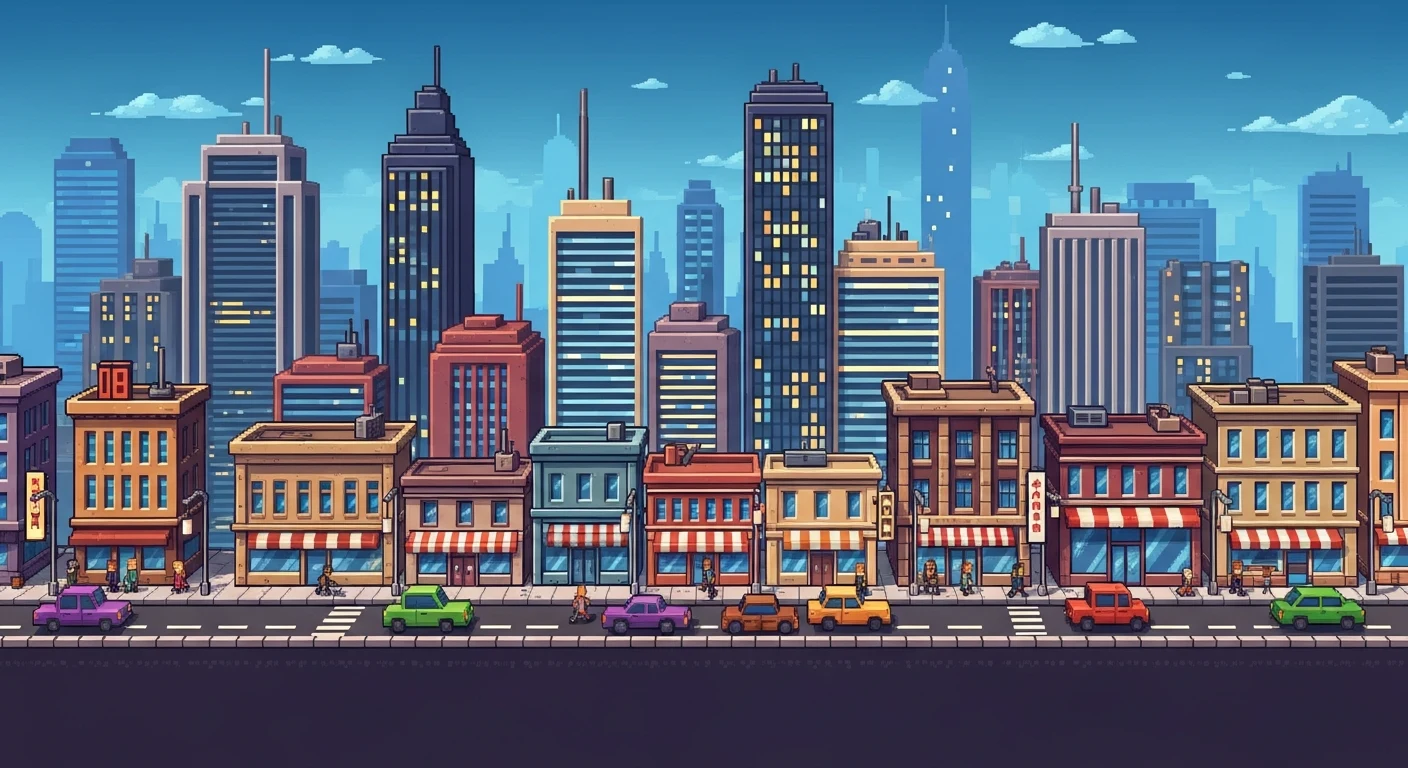
Digital Art & 3D Styles
Pixel art, 3D render, and concept art styles for game art, digital illustration, and polished CGI visuals.
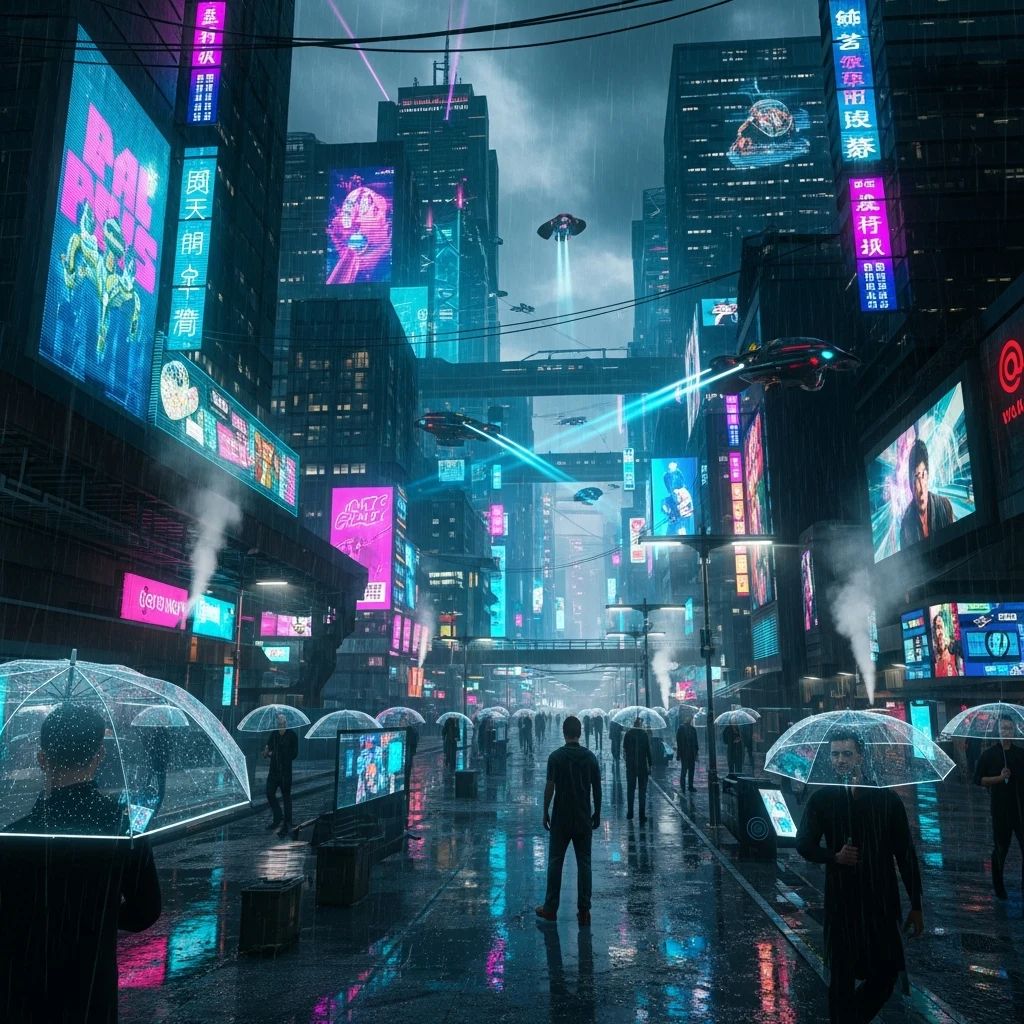
Fantasy & Sci-Fi Styles
Cyberpunk and steampunk AI styles for futuristic city scenes, retro-futurism, and sci-fi worldbuilding.
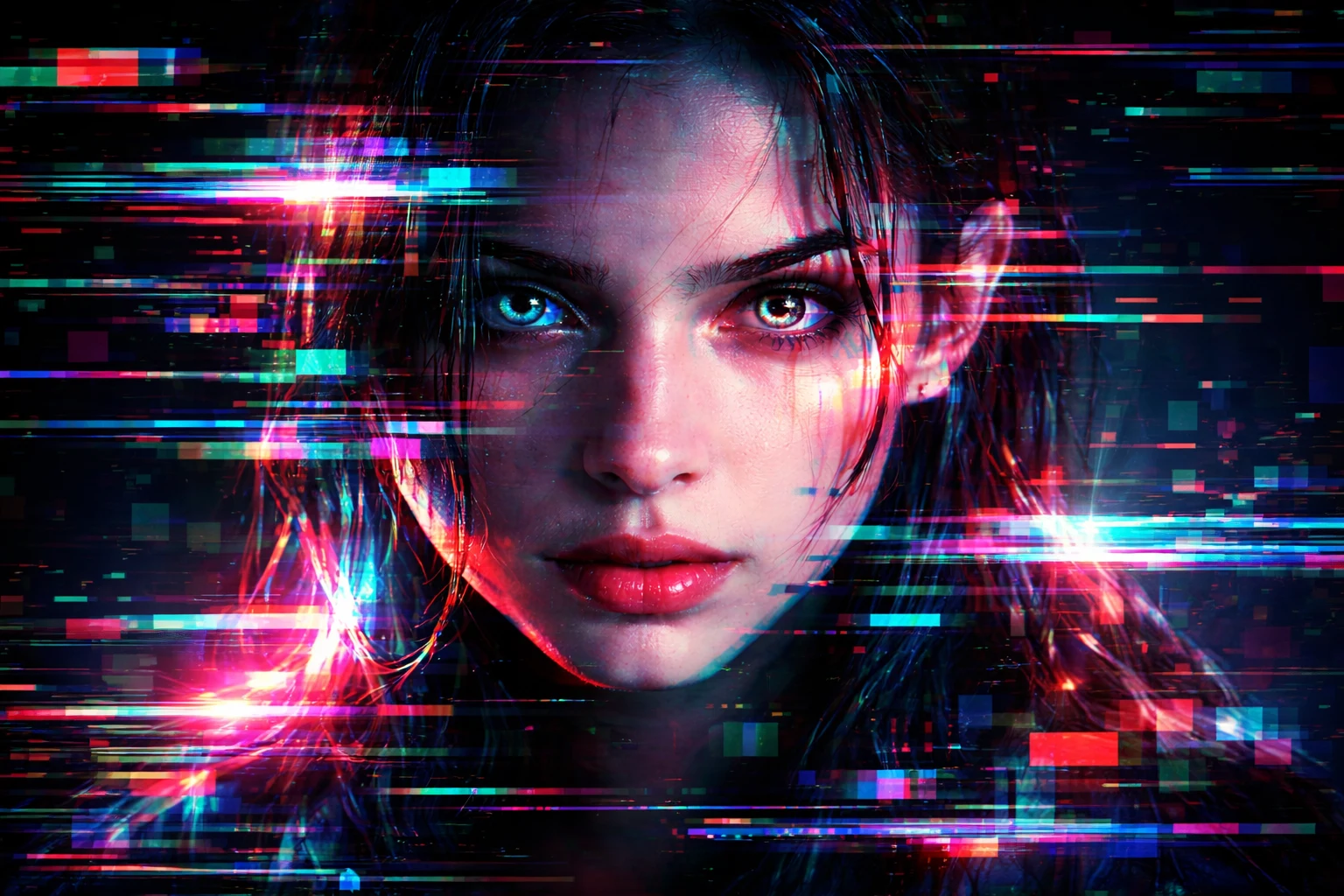
Effects & Aesthetic Styles
Glitch art, holographic, and clay-style effects for experimental AI images, material looks, and bold visual treatments.